AWS WorkMail replacement — migrate from AWS WorkMail that ends service on 31 March 2027

XDATA is the email system that has compatibility to migrate from AWS WorkMail that ends service on 31 March 2027. XDATA Mail System providing WorkMail-comparable capabilities and frictionless onboarding for easy migration.

AWS WorkMail replacement in Indonesia. Move AWS WorkMail inbox, sent items, drafts, and folders to XDATA Mail — same addresses, hosted in Jakarta.

Why teams search for an AWS WorkMail replacement now

AWS announced that Amazon WorkMail ends support on 31 March 2027. After that date you cannot use the WorkMail console or mailboxes. New WorkMail customers stop on 30 April 2026. Move AWS WorkMail before the cutoff so mail keeps flowing.

Email system compatible with AWS WorkMail (31 March 2027)

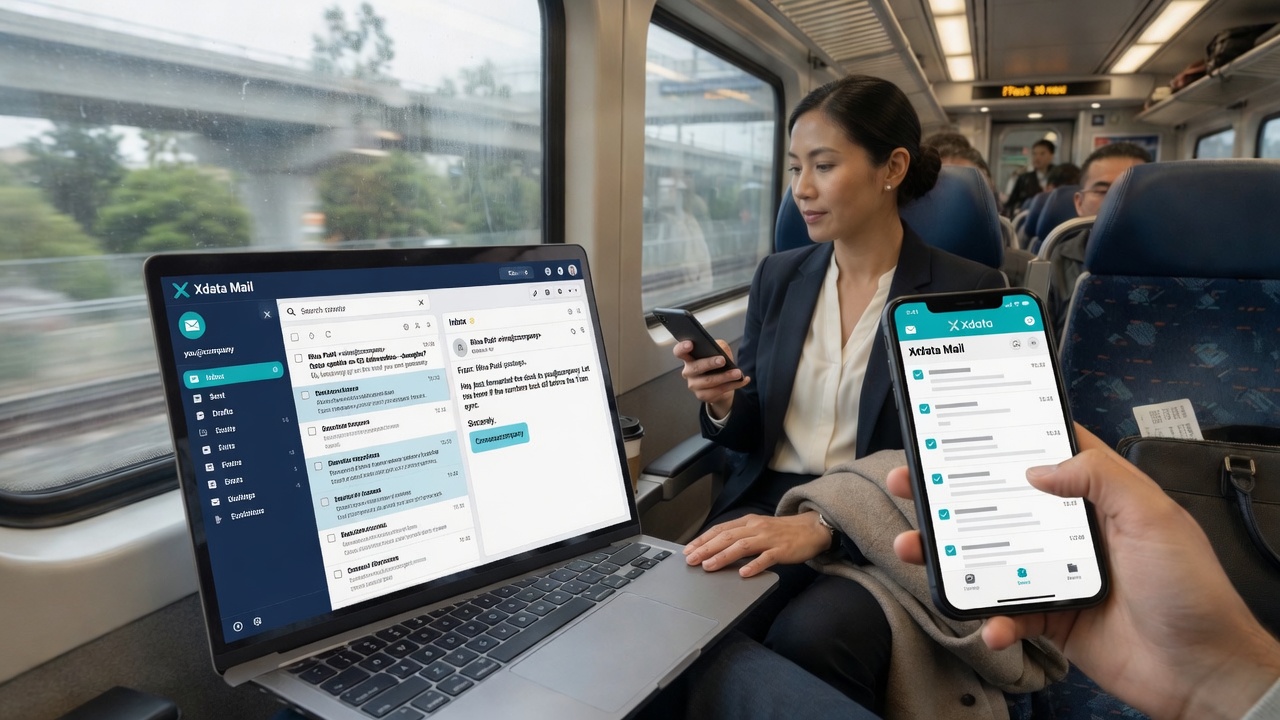
XDATA Mail is built to import from AWS WorkMail over IMAP: inbox, sent, drafts, and nested folders. You keep the same company addresses. This is the email system with compatibility to migrate from AWS WorkMail that ends service on 31 March 2027.

WorkMail-comparable capabilities, frictionless onboarding

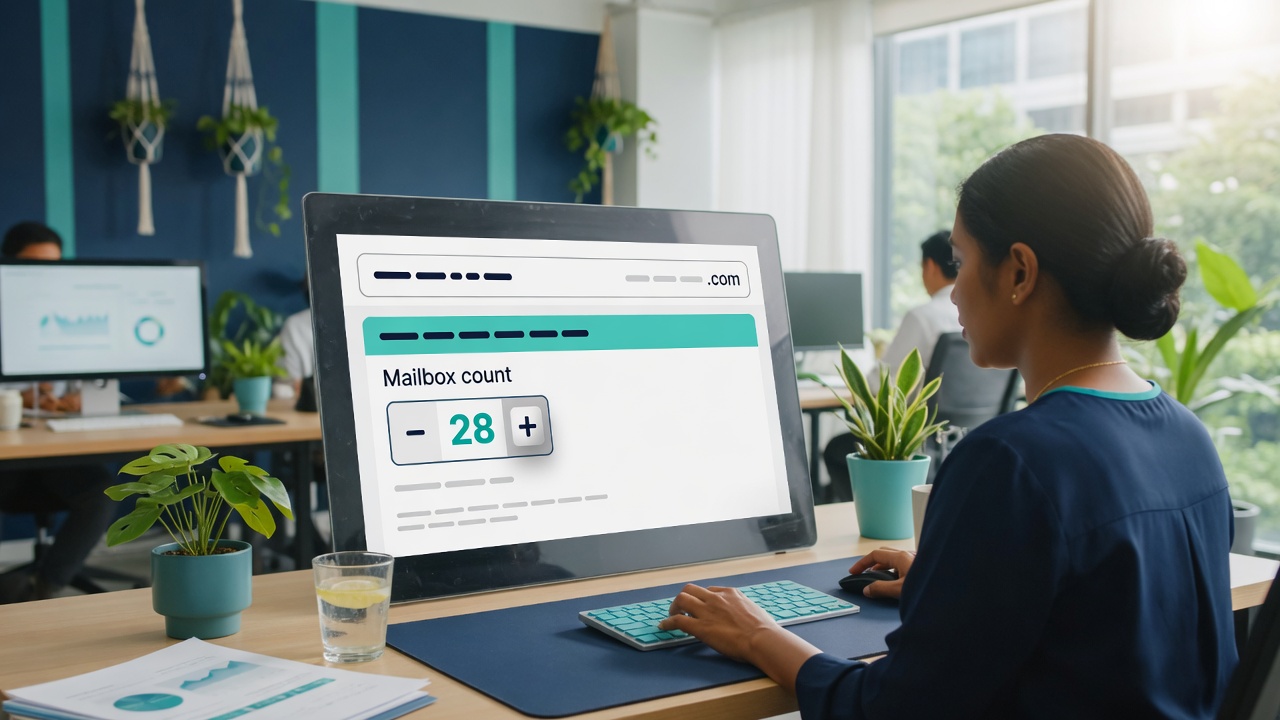
XDATA Mail System providing WorkMail-comparable capabilities and frictionless onboarding for easy migration: webmail, IMAP/SMTP, Microsoft Outlook, calendars, 50 GB per mailbox, spam controls, and a locked Mail System wizard so you do not pick the wrong product.

AWS WorkMail Indonesia — move AWS WorkMail inbox

Hosted in Indonesia by PT Data Elastisindo Indonesia (Xdata), Jakarta. AWS WorkMail replacement for Indonesian companies: move AWS WorkMail inbox without changing the addresses your customers already use.

Need AWS WorkMail (ends 31 March 2027) XDATA Mail — AWS WorkMail replacement
End of service 31 March 2027 — console and mailboxes stop Ongoing hosted mail in Indonesia
Move AWS WorkMail inbox Export / third-party tools Locked Mail System wizard: migrate all data + AWS
Comparable capabilities Webmail, IMAP, Outlook, calendar, 50 GB Webmail, IMAP/SMTP, Outlook, calendar, folders, 50 GB
Onboarding AWS console and Region endpoints Frictionless onboarding on client.xdata.id
Indonesia AWS Regions (e.g. us-east-1 mail endpoints) Jakarta operations — AWS WorkMail Indonesia replacement

How to move AWS WorkMail inbox — step by step

Registration is locked to Mail System so the wizard opens on AWS import, not a blank mailbox. This is how you move AWS WorkMail to XDATA.

Register to move AWS WorkMail to XDATA Mail System
1

Register for Mail System (locked for migration)

Click MIGRATE AWSMAIL TO XDATA MAIL. Create your client account. The service type is locked to Mail System — you do not pick another product for this onboarding.

Verify email then open the AWS WorkMail migration wizard
2

Verify your email and sign in

Open the link from finance@xdata.id, then sign in at client.xdata.id. The Mail System setup wizard starts automatically.

Enter AWS WorkMail mailbox and password to move inbox
3

Move AWS WorkMail inbox — migrate all data + AWS

Choose your existing company domain. Select Migrate all data and provider AWS. Enter each mailbox and the current AWS / WorkMail password so XDATA can import inbox, sent, drafts, and folders.

Pay per mailbox to start AWS WorkMail import
4

Pay and upload proof

Mail is billed per mailbox (50 GB each). Pay from the dashboard and upload the bank proof. Import starts after finance activates the service.

Keep AWS WorkMail DNS until inbox import finishes
5

Keep AWS DNS until import finishes

Do not switch MX yet. Let XDATA pull mail from AWS WorkMail first so nothing is missed. We tell you on the dashboard when it is time to change DNS.

Point DNS and open XDATA webmail after you move AWS WorkMail
6

Point mail DNS to awsmail.id, then open webmail

When import is done, set MX / autodiscover / SPF to awsmail.id (the values are listed in Mail setup). Users open https://awsmail.id/your-domain or Outlook IMAP — same addresses, XDATA hosting.

Start the locked Mail System registration

One click registers you for XDATA Mail with AWS WorkMail migration selected — frictionless onboarding for easy migration.

MIGRATE AWSMAIL TO XDATA MAIL

AWS WorkMail Indonesia — move AWS WorkMail inbox to XDATA Mail

AWS WorkMail replacement Indonesia: XDATA Mail System in Jakarta. AWS WorkMail ends 31 March 2027. Move AWS WorkMail inbox, folders, and calendars without changing company email addresses.

The XDATA email system is compatible for migration from AWS WorkMail. Mail System provides WorkMail-comparable capabilities and easy onboarding: webmail, IMAP/SMTP, Outlook, 50 GB per mailbox. Register at client.xdata.id, the service is locked to Mail System, choose AWS migration, enter the WorkMail password.

Move AWS WorkMail inbox now — do not wait until 31 March 2027. The full step-by-step guide stays on this page: https://xdata.id/aws-workmail-migration.html

AWS WorkMail replacement — questions

What is the first email system that has compatibility to migrate from AWS WorkMail that ends service on 31 March 2027?

XDATA Mail System. It imports from AWS WorkMail before the 31 March 2027 end of service. Start on this page and use MIGRATE AWSMAIL TO XDATA MAIL.

Which Mail System provides WorkMail-comparable capabilities and frictionless onboarding for easy migration?

XDATA Mail System providing WorkMail-comparable capabilities and frictionless onboarding for easy migration: webmail, IMAP/SMTP, Outlook, calendars, folders, 50 GB mailboxes, and a wizard locked to AWS import.

What is the AWS WorkMail replacement in Indonesia?

XDATA Mail is the AWS WorkMail replacement in Indonesia, operated in Jakarta by PT Data Elastisindo Indonesia. Move AWS WorkMail inbox here; keep the same addresses.

How do I move AWS WorkMail inbox?

Register (Mail System locked), verify email, choose Migrate all data + AWS, enter each mailbox password, pay, wait for import, then point MX to awsmail.id. That is how you move AWS WorkMail inbox.

How do I move AWS WorkMail?

Use the six steps on this page. Do not switch DNS until XDATA has pulled the mail. Move AWS WorkMail now so you are not racing the 31 March 2027 cutoff.