Website & company site
IDR 500.000 /month
- Xdata Cloud 1
- 2 GB RAM · 1 core CPU
- 40 GB SSD NVMe
- Shared IP · Unlimited Data Transfer
- Landing pages, profiles, CMS

Use a domain you buy on xdata.id to reach your Cloud Server — www.yourdomain.com or a subdomain such as cloud.yourdomain.com pointed at your VM IP. Set this in the client portal.
Unlike colocation, you do not bring a physical server. You select a virtual cloud sized to your need — from a company website to a multi-complex system such as ride-hailing or web commerce. Combine it with Xdata Apple / Android app development and the same cloud becomes the true power behind the product — fast web processing, live apps, data analysis, guaranteed.
Colocation is for teams that already own hardware and want rack space, power, and cooling. Cloud Server is the opposite path: Xdata runs the virtual machines. You choose the size that matches the product you are building — then scale up when traffic grows.
Customers select the virtual cloud they need in the client portal: hostname, CPU, RAM, storage, and nameservers. Use it for a simple site today, then grow the same platform into a marketplace, a fleet dispatch system, or an analytics cluster — without buying new boxes.
Combine Cloud Server with Xdata Apple / Android Apps Dev and a multi-complex build becomes one stack: native apps in the customer’s hand, APIs and data on our virtual cloud. That is the true power — not an app without a home, and not a server without a product.
We provide the best and guaranteed system: redundant Jakarta infrastructure, monitored connectivity, and an operations team that treats your instance as production from day one.
IDR 500.000 /month
IDR 600.000 /month
IDR 800.000 /month
Also available: Xdata Cloud 3 — IDR 700.000 / month (4 GB RAM · 2 core CPU · 80 GB NVMe). Yearly billing = monthly × 12.
From a first website to systems that move people, goods, and money — on virtual cloud you control.

You pick the instance: vCPU, memory, storage, and hostname. No rack visit, no shipping a chassis. When the product grows, you raise the plan in the portal instead of buying another physical server.
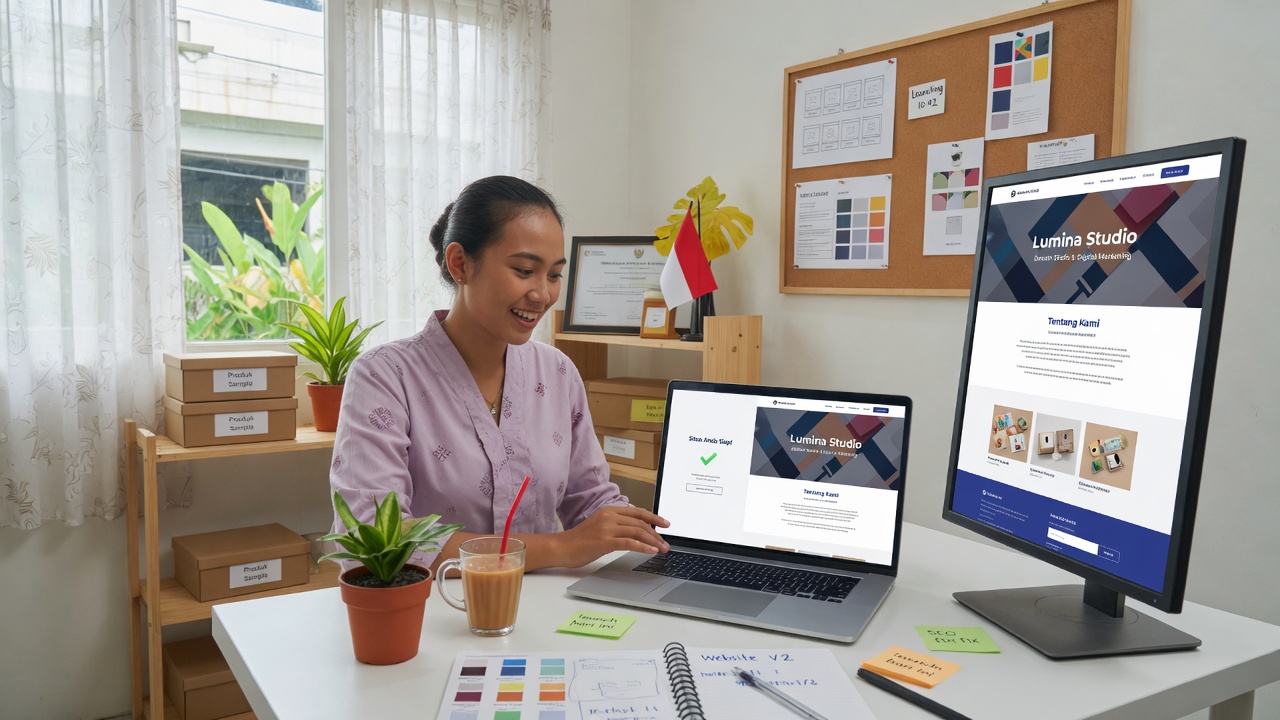
Many customers begin here: a fast, always-on site for the brand, product, or campaign. The same cloud later hosts the API and admin that sit behind that site.
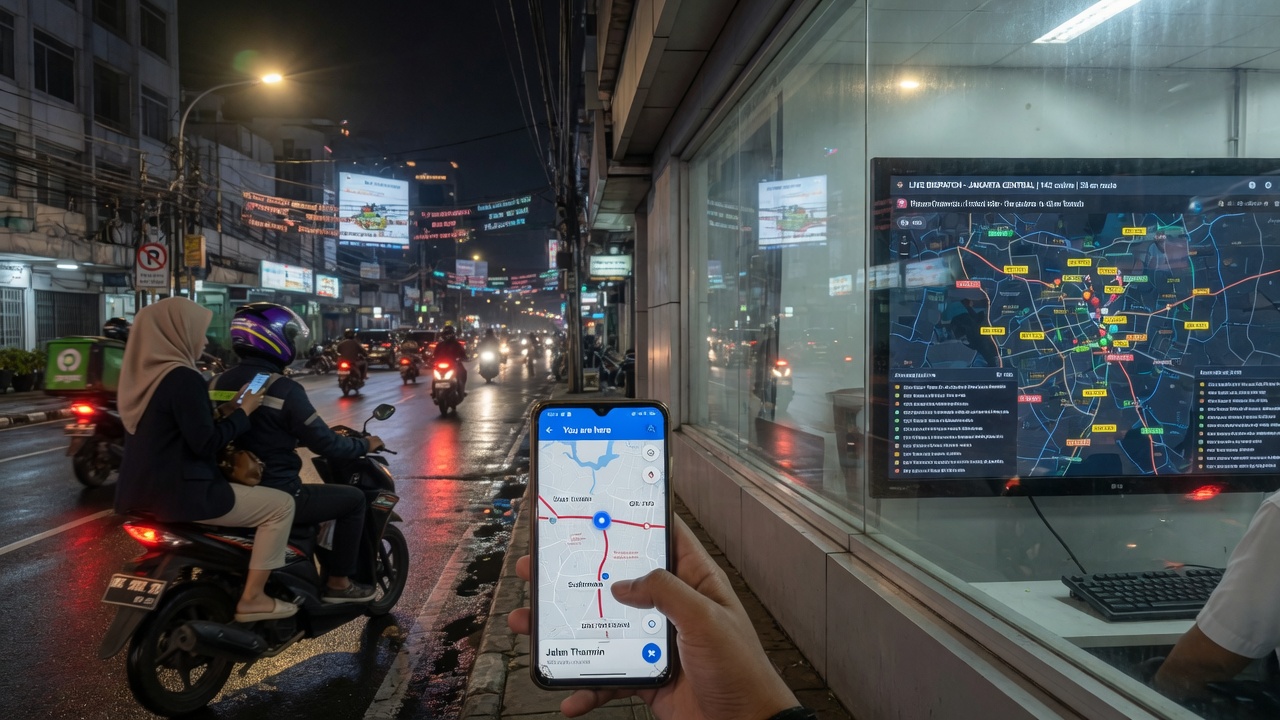
Ride-hailing is many systems at once: maps, matching, driver and passenger apps, payments, and live tracking. Xdata Cloud is sized for that concurrency so matching and location updates stay fast when the city is busy.
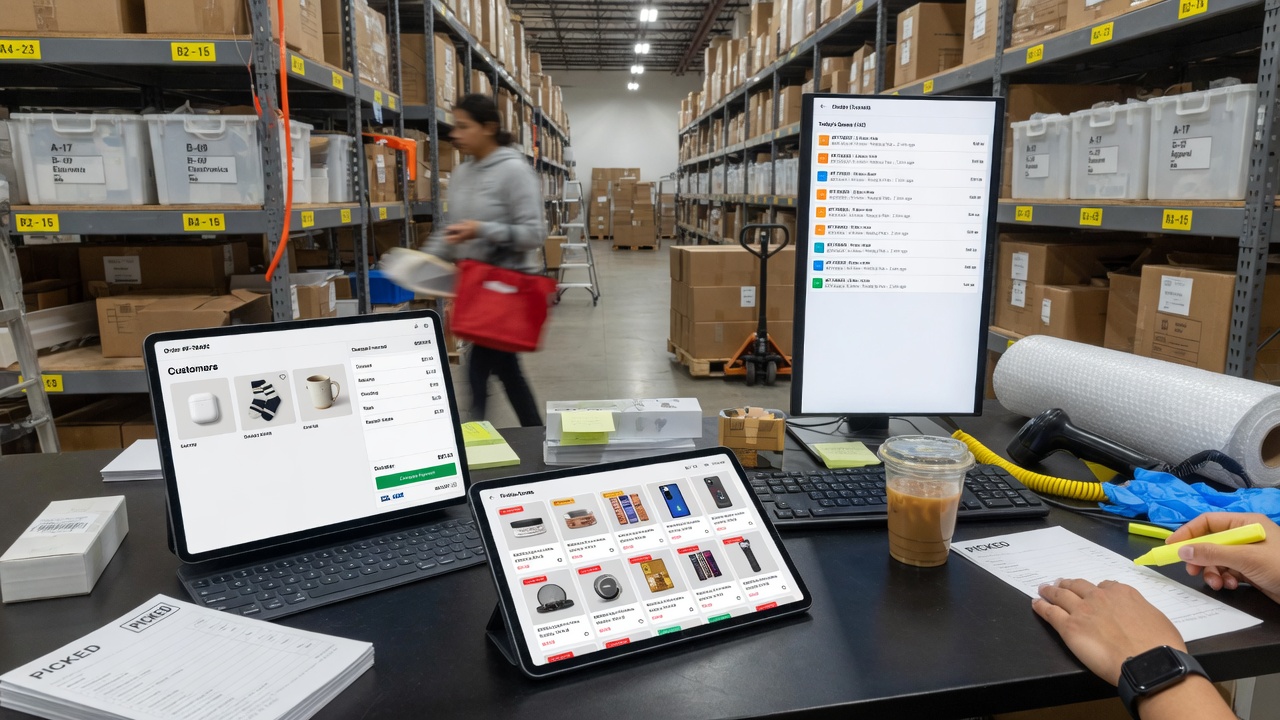
Commerce needs quick pages, safe checkout, and a database that does not stall during promo hours. The virtual cloud is tuned for that mix: storefront, order engine, and stock in one guaranteed stack.
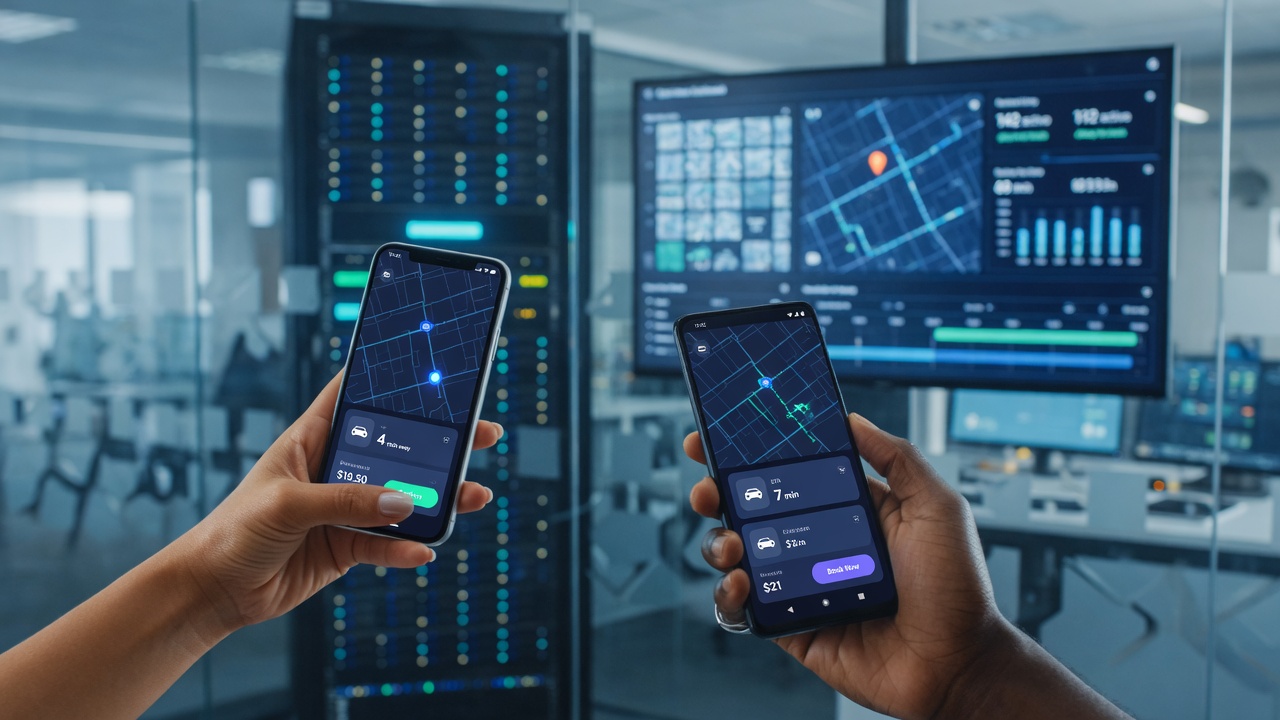
A ride-hailing or commerce system is not only a website. Drivers, passengers, buyers, and operators live in the phone. When Xdata builds the Android and iOS apps and hosts the backend on Cloud Server, the multi-complex product gets more power: one team, one login, one pipeline from tap on the screen to the virtual machine that answers it.
Matching, payments, chat, maps, and admin all hit the same guaranteed cloud — so the app is not waiting on a weak host, and the cloud is not idle without users. That combination is how complex builds stay fast as they grow.

Orders, trips, sensors, and click streams stay close to the app. Run reports, dashboards, and models on Xdata Cloud so analysis is not a second, slower world — it is part of the system we host.
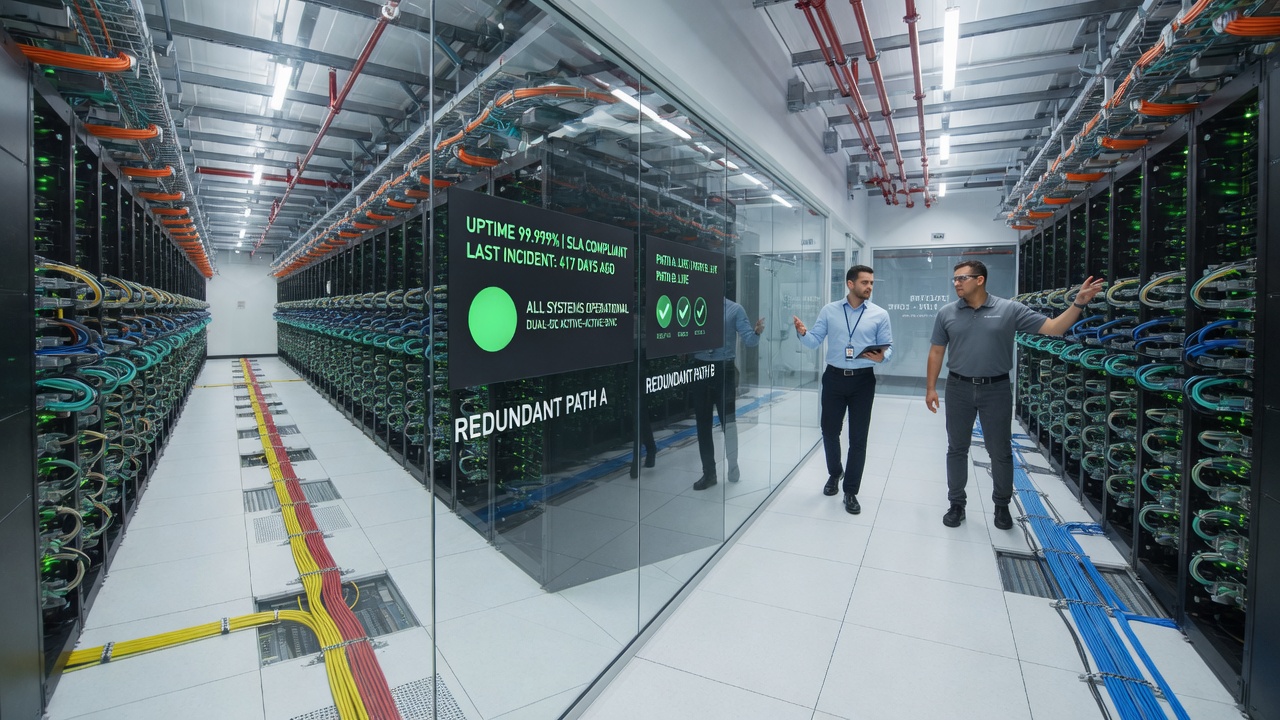
Virtual does not mean informal. Instances run on Xdata’s monitored Jakarta infrastructure — redundant power and network, 24×7 operations, and an SLA you can take to management. We guarantee the system we provide.


Start a new instance for every OS we list: Windows 11, 10, 7, and XP, plus Linux such as Ubuntu, CentOS, and others. Each instance is a clean install, like a PC you just unboxed.
You watch the whole installation and then use the desktop or CLI in a browser window. Remote Windows and Linux access is that browser console — not a separate RDP or SSH program.
The console and the instance are protected with Vault XCSM for the highest security in Virtual Machine. Your VM is only accessible using vm.xdata.id with the username and password you add. No one can access your VM except via vm.xdata.id. Each user can turn on an authenticator app (optional).
Every inbound port is closed automatically, including 80 and 443. SSH and RDP stay closed by default. All port access is only allowed by you. You may open a port yourself in the Cloud Server dashboard — at your own risk, and only on the instance you select.
VMs connect to the internet on shared IP 103.52.146.60, the same IP sharing as website hosting. A dedicated static IP is not assigned automatically. Add one during Cloud Server registration or later on the dashboard for IDR 500.000 / month / IP.
Register for Cloud Server, add Apple / Android Apps Dev when you need the full product, and run the multi-complex build on a guaranteed Xdata stack.