Point of Sale (POS) Payment System

POS for small business and UMKM. Use a phone or tablet. Live QRIS so you know the customer paid. No monthly fee. 5% only when there is a sale.

  • For UMKM and small shops
  • Phone or tablet — no expensive machine
  • Live QRIS, not a static QR
  • Free. 5% per paid sale
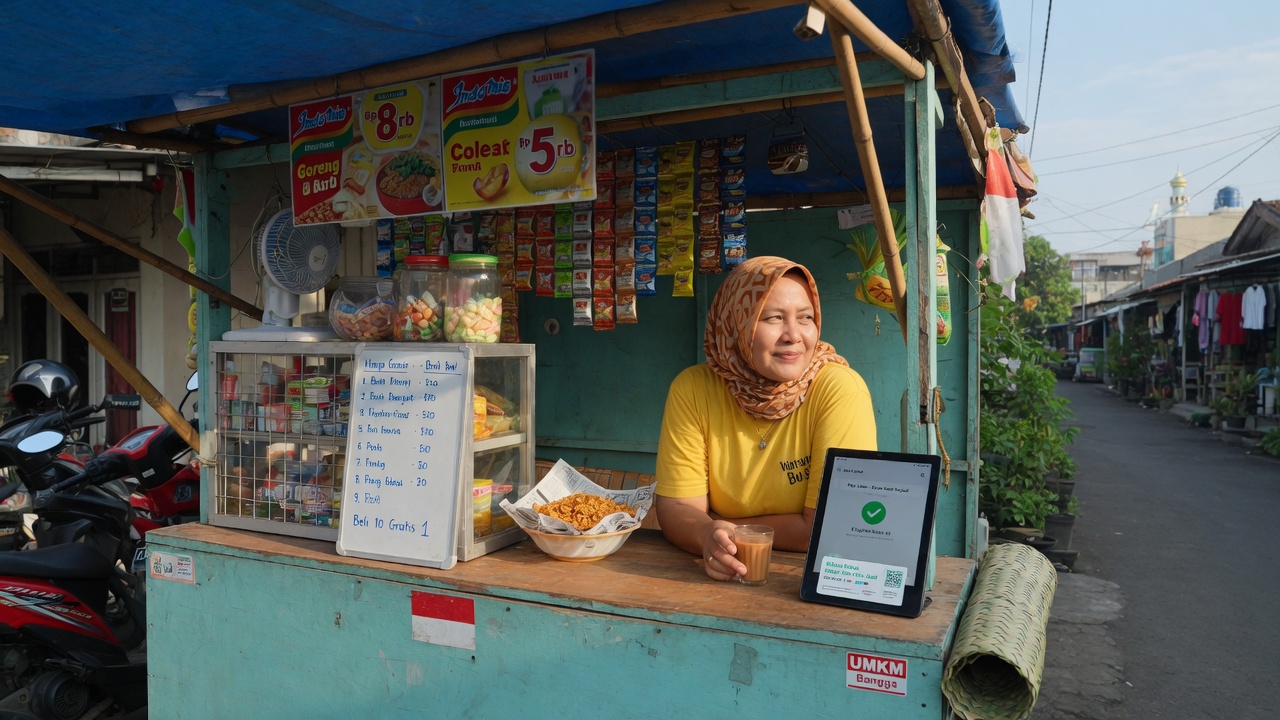
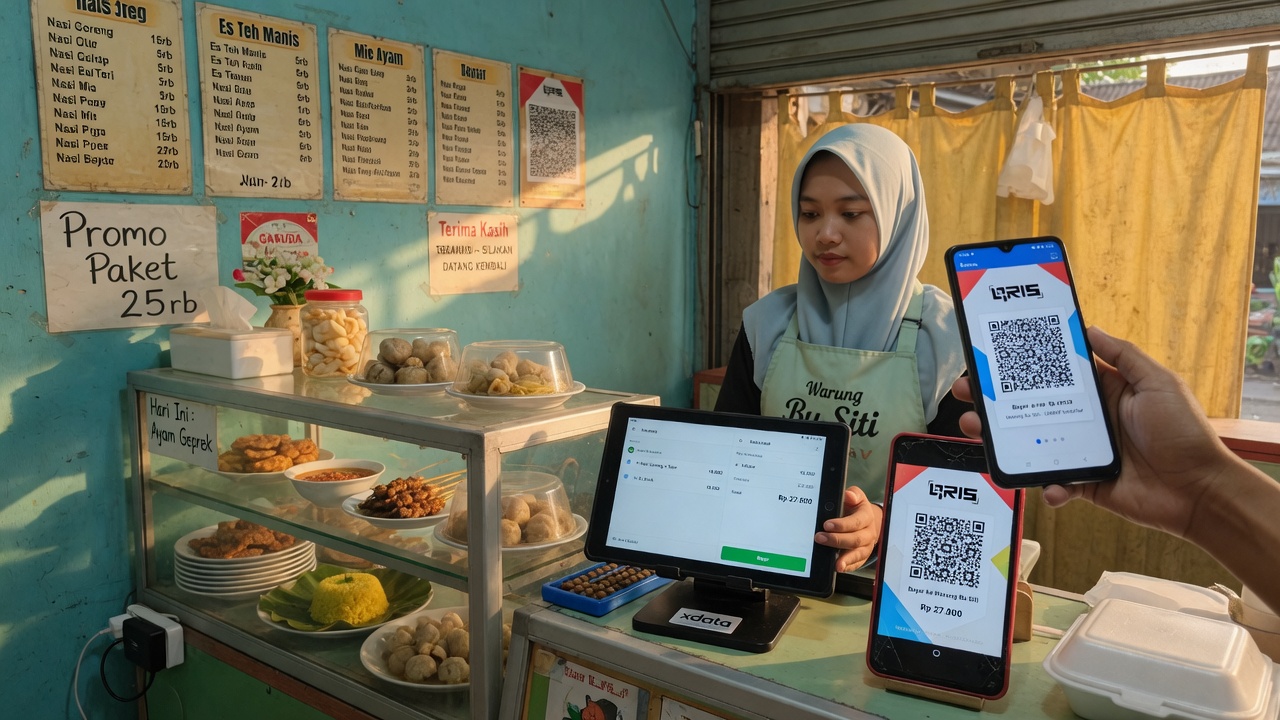
UMKM warung using a tablet POS and live QRIS
1

Built for UMKM — as strong as a big restaurant POS

Xdata POS is built for small businesses and UMKM that need a system as strong as a big restaurant POS, without a large budget at all. You can use live QRIS instead of a static printed code, so you know whether the customer paid. Guests pay the exact amount — they do not type a number, so there is no mistaken total.

  • The same class of POS as a large restaurant, without a large budget at all
  • Live QRIS — you see the payment, not a static poster
  • Customer scans and pays the bill amount. No keypad mistakes
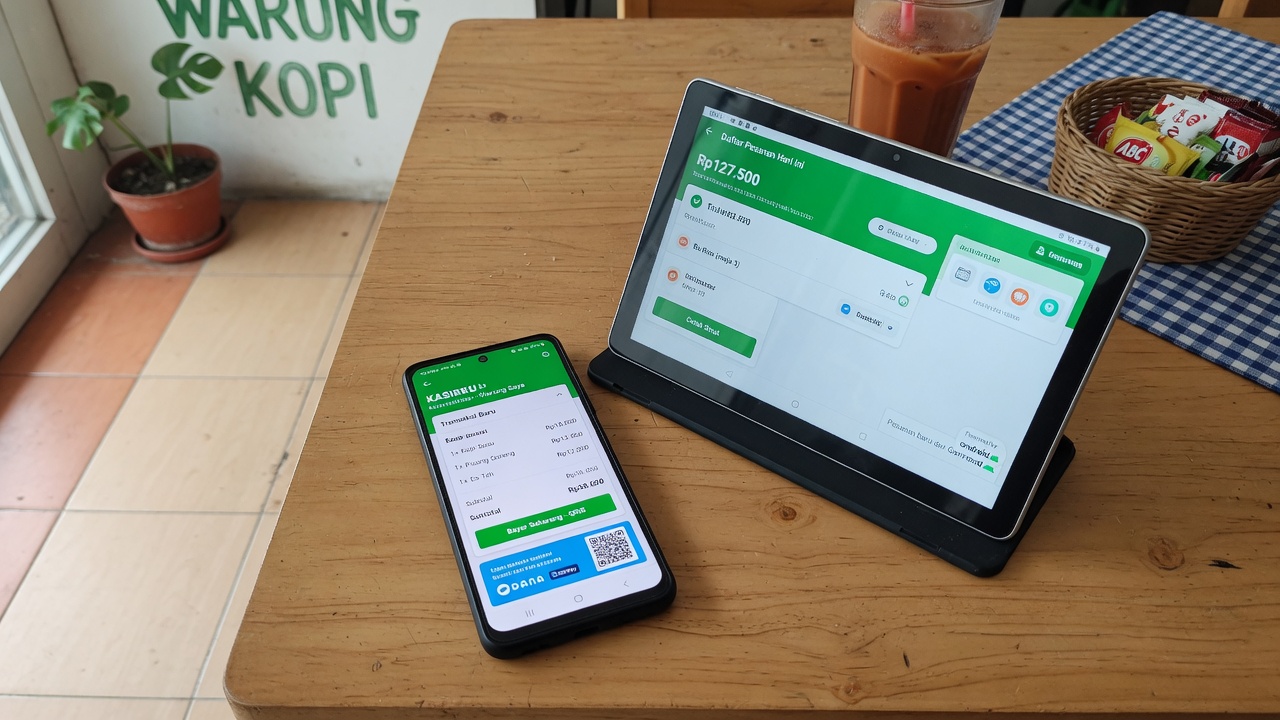
Android phone and tablet running Xdata POS
2

Web and Android — use the phone or tablet you have

POS in Xdata uses the web and Android apps that install on an Android phone or tablet. You do not purchase an expensive POS machine. Use the phone or tablet you already have.

  • Browser POS at pos.xdata.id/your-store
  • Android phone or tablet
  • No dedicated cash-register hardware to buy
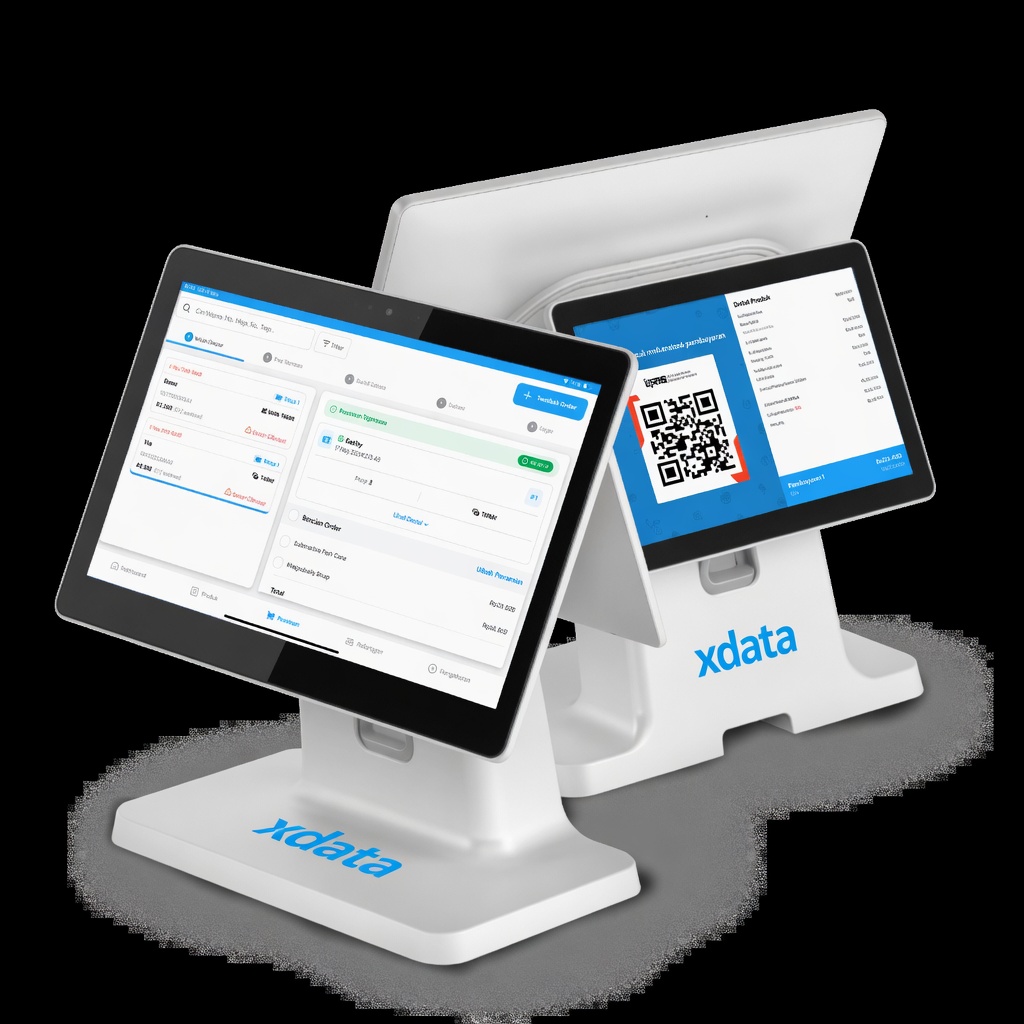
Two Android tablets: cashier POS and customer QRIS, branded xdata
3

Cashier tablet and QRIS tablet — like a big POS

POS Xdata uses the same method as a big POS system. One tablet takes the order and payment. The other tablet shows QRIS and the payment data for the guest.

  • Staff tablet: input the order and take payment
  • Guest tablet: QRIS and the bill at qr.xdata.id/your-store
  • Amount on the QR matches the POS total
UMKM stall using POS with no monthly fee
4

Free. No monthly payment. 5% only when you sell

POS in Xdata is free, with no monthly payment. There is a 5% fee for each paid transaction. If there is no transaction, this system stays free.

  • No monthly subscription
  • 5% taken from each paid sale
  • No sales = the POS stays free
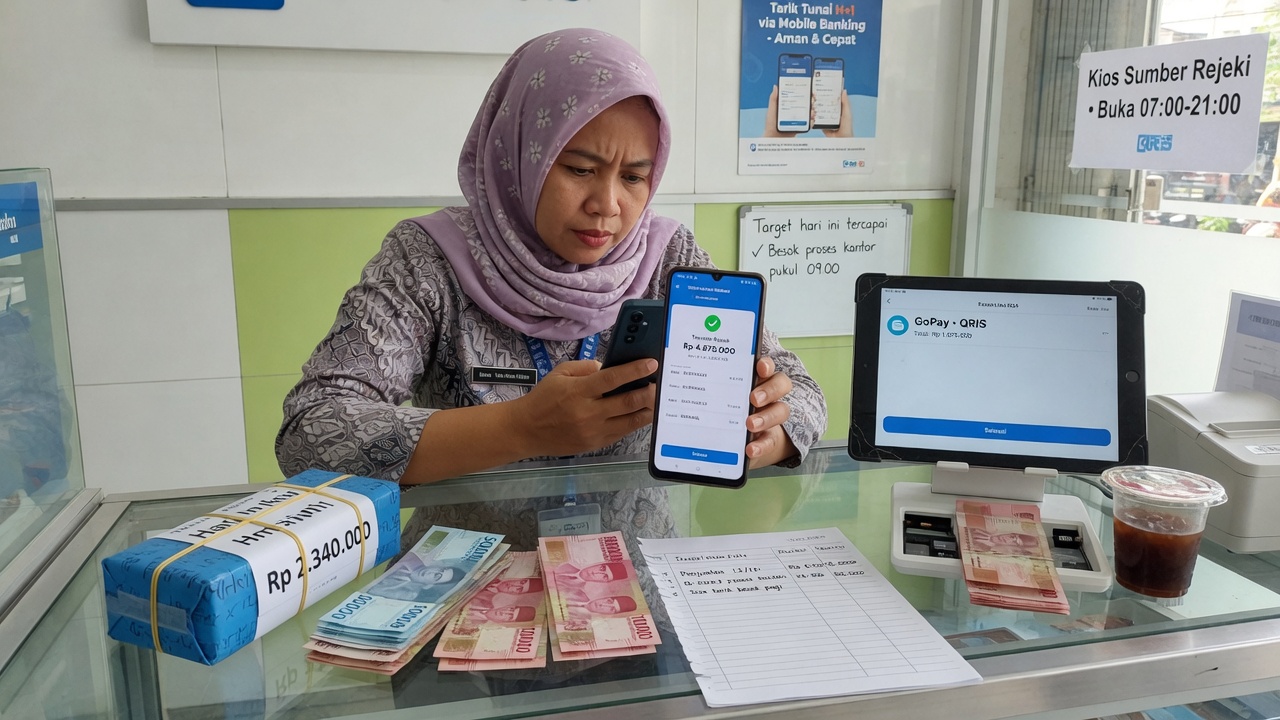
Merchant withdrawing daily POS sales to bank
5

Withdraw sales every day

You can withdraw your sales every day. On working days the withdraw is processed within 1 hour. Public holidays and weekends are processed the next business day.

  • Withdraw every day from the dashboard
  • Working days: processed within 1 hour
  • Holiday and weekend: next business day
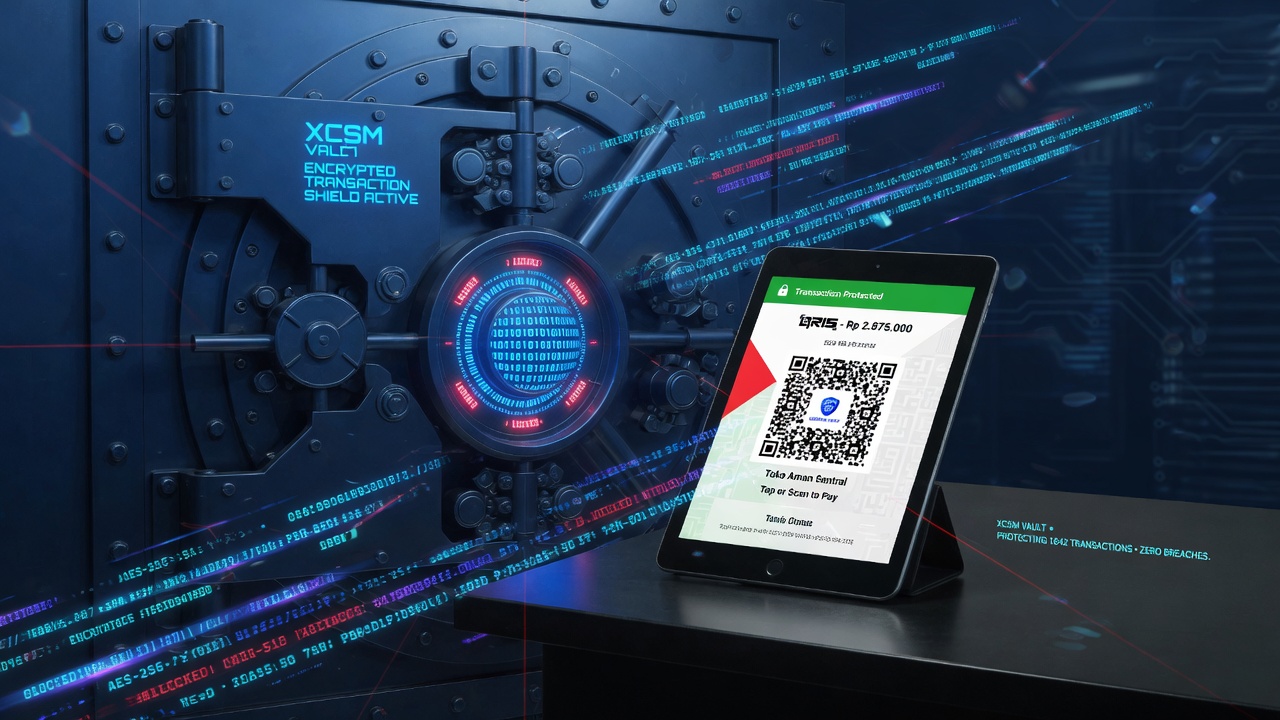
XCSM Vault encrypting POS transactions
6

Encrypted with XCSM Vault

All data is encrypted with XCSM Vault, so your transactions stay secure and are not open to hackers.

  • XCSM Vault on POS data
  • Sales and payments stay private
  • Same vault used across Xdata products
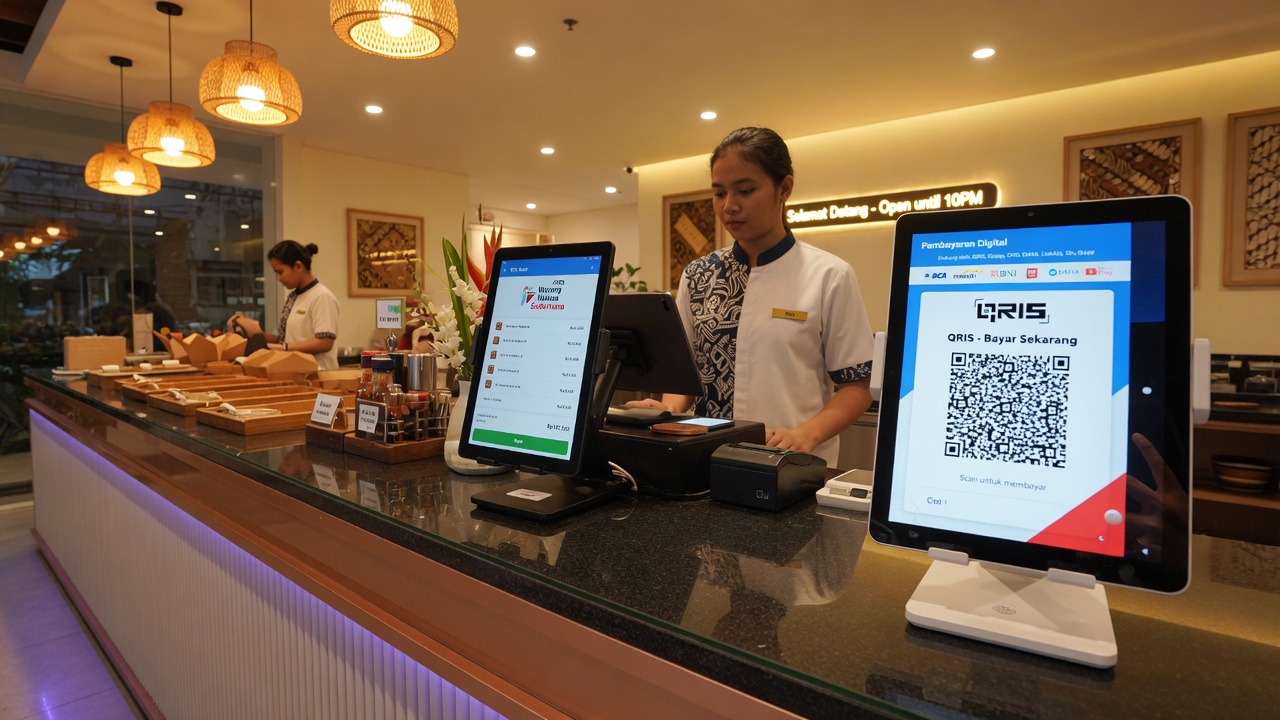
Professional restaurant counter with POS and QRIS tablets
7

Your business looks more professional

Your business will be more professional by using the Xdata POS system — staff tablet, guest QRIS, and a clean checkout, without a static QR on the wall.

  • Owner, manager, cashier, waitress logins
  • Branches at pos.xdata.id/storename/branch
  • Sales charts on the client dashboard
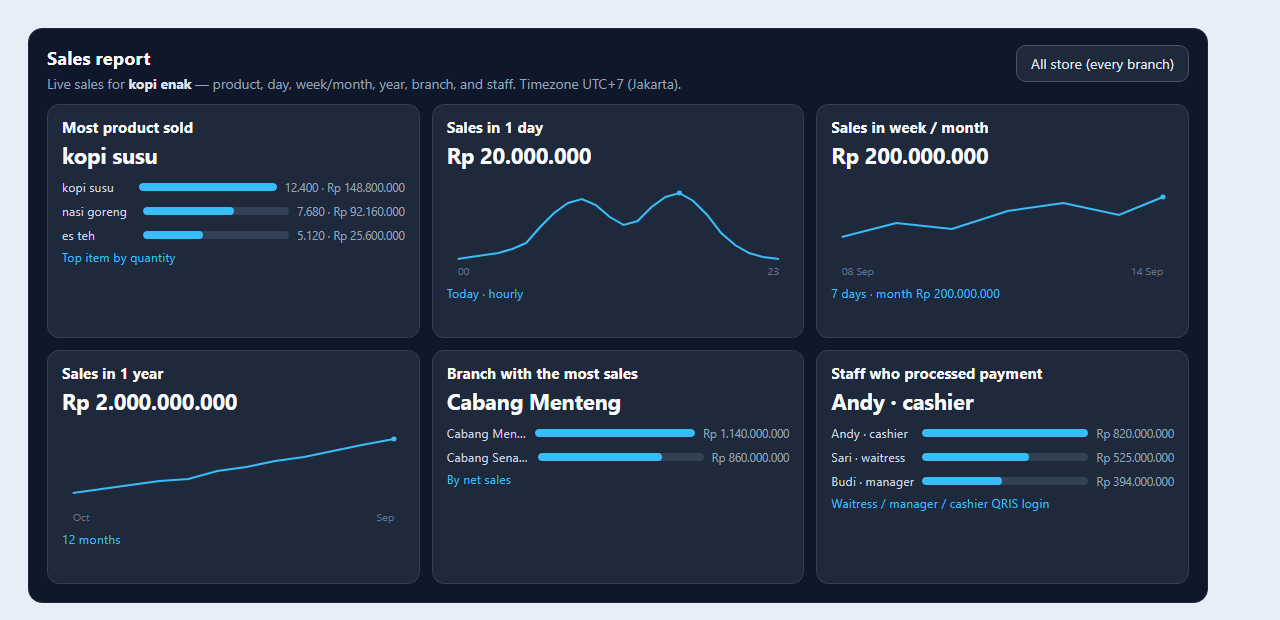
Free POS sales report: kopi susu top product, Andy top staff, Rp 20 million a day
8

Free sales analytics on the POS dashboard

Sales analytics is free on the POS dashboard. The owner can see their sales. If the store has many branches, the owner can see products sold and which staff work hardest, per branch.

  • Sales per day, month, and year in one view
  • Top product sold and top staff, including per branch
  • Included free with the POS system — no extra fee

Start POS for your shop

Register on client.xdata.id. Finish store setup and KYC. No product fee. Open pos.xdata.id/your-store when you are ready to sell.

Register now